Smart Home Lighting Ideas After the Latest Matter and Nanoleaf Moves

The best smart home lighting ideas start with ordinary daily routines: use smart switches for main ceiling lights, smart bulbs for lamps, LED strips for hidden accent light, and panels only where they serve the room design. Matter support helps mixed ecosystems, but the lighting still needs the right color temperature, dimming, placement, and low-flicker controls.
Smart Home Lighting Ideas After the Latest Matter and Nanoleaf Moves
Smart home lighting ideas are getting more practical in 2026 because the category is finally moving past novelty. Matter support, better thread-based devices, smarter switches, modular panels, adaptive scenes, and improved app controls make it easier to mix brands without rebuilding the whole home around one ecosystem. The best projects still start with the room, not the gadget.

Quick answer {#quick-answer}
For most homes, use smart switches or dimmers for hardwired ceiling lights, smart bulbs for plug-in lamps, LED strips for hidden accent lighting, and panels only where they look intentional in the room. Build scenes around real routines: cooking, reading, movie night, morning wake-up, late-night path lighting, and away mode.
Matter can make setup and cross-platform control easier, especially if your home mixes Apple Home, Google Home, Alexa, SmartThings, and brand-specific apps. But compatibility is not the whole job. A comfortable smart lighting plan still needs the right Kelvin range, enough lumens, good dimming, sensible placement, and products that do not flicker or buzz when controlled.
If you are starting from scratch, do not replace every bulb first. Fix the main daily pain points: dark counters, harsh living room ceiling light, a bedroom that is too bright at night, outdoor lights that stay on too long, and a hallway that needs safe low-level light after dark.
What changed in smart lighting {#what-changed}
The important shift is that smart lighting is becoming infrastructure instead of a pile of isolated gadgets. Matter gives device makers a common smart-home language, so buyers have a better chance of connecting lights across major platforms. Brands such as Nanoleaf, Philips Hue, Govee, LIFX, IKEA, TP-Link, and others are competing around ecosystems, scenes, sensors, panels, and addressable effects, but the buyer benefit is simpler: more ways to control light without being trapped in one app forever.
That does not mean every product is equal. A Matter badge does not guarantee beautiful color, perfect dimming, or the right form factor. It mostly reduces ecosystem friction. The lighting quality still comes from the LED hardware, driver, optics, diffuser, controls, and installation.
The U.S. Department of Energy explains that LED lighting is efficient, long-lasting, and highly controllable compared with older lighting technologies: https://www.energy.gov/energysaver/led-lighting. That controllability is the real reason smart lighting works. You can use less energy, tune brightness by task, change color temperature by time of day, and automate lights that people forget to turn off.
Energy Star also notes that LED bulbs use far less energy and last much longer than traditional incandescent bulbs: https://www.energystar.gov/products/lighting_fans/light_bulbs/learn_about_led_bulbs. Smart controls do not replace efficient LEDs; they add behavior on top of them.
Bulbs, switches, strips, and panels all solve different problems {#bulbs-switches-strips-panels}
The easiest way to avoid wasting money is to choose the control type by fixture.
Smart bulbs are best in lamps, decorative fixtures, and places where color changing is useful. They are simple to install and great for renters. The downside is that a wall switch can cut power to the bulb, making it unreachable in the app.
Smart switches and dimmers are best for ceiling lights, recessed lights, vanity lights, and other hardwired circuits used by everyone in the home. They preserve normal wall control while adding schedules, scenes, voice control, and automations. If guests or family members need to use the room without instructions, switches usually beat bulbs.
LED strips are best for indirect light: under cabinets, behind TVs, inside coves, under beds, along shelves, behind desks, and under floating vanities. They make a room feel finished when they are hidden and diffused. Bare dots stuck in visible places usually look temporary.
Light panels and modular shapes are best when they are part of the design. They can be excellent in gaming rooms, media walls, creative studios, and kids' spaces. In a calm living room or bedroom, panels can look loud unless the layout, brightness, and color palette are restrained.
For the fundamentals of Kelvin, lumens, and layering, start with our [room lighting guide](/blog/room-lighting-guide-color-temperature-lumens-layers). Smart features work better when the base lighting plan is already balanced.
Smart lighting ideas by room {#room-ideas}
Living room
Use scenes instead of one bright overhead setting. A good living room might have a smart dimmer on recessed or ceiling lights, two smart lamps, and a hidden LED strip behind a media cabinet or shelf. Create three scenes: bright cleanup, relaxed evening, and movie night. Keep movie lighting warm and low so it does not reflect on the screen.
If you use TV-sync or AI ambient lighting, make sure it has a calm bias-lighting mode. Fast color effects are fun for demos, but daily viewing is usually more comfortable with soft, low-saturation light behind the display. See our [AI ambient TV lighting guide](/blog/ai-ambient-tv-lighting-guide) for where screen-sync systems make sense.
Kitchen
Smart kitchen lighting should make cooking easier. Put the main ceiling circuit on a smart dimmer, then add under-cabinet task lighting if the counters are shadowed. Use 3000K or 3500K for most kitchen task zones. A late-night scene can bring only toe-kick or under-cabinet lighting to a low level so nobody has to turn on the whole room.
Avoid color-changing gimmicks over prep areas. Food, counters, and finishes look better under clean white light with good color rendering.
Bedroom
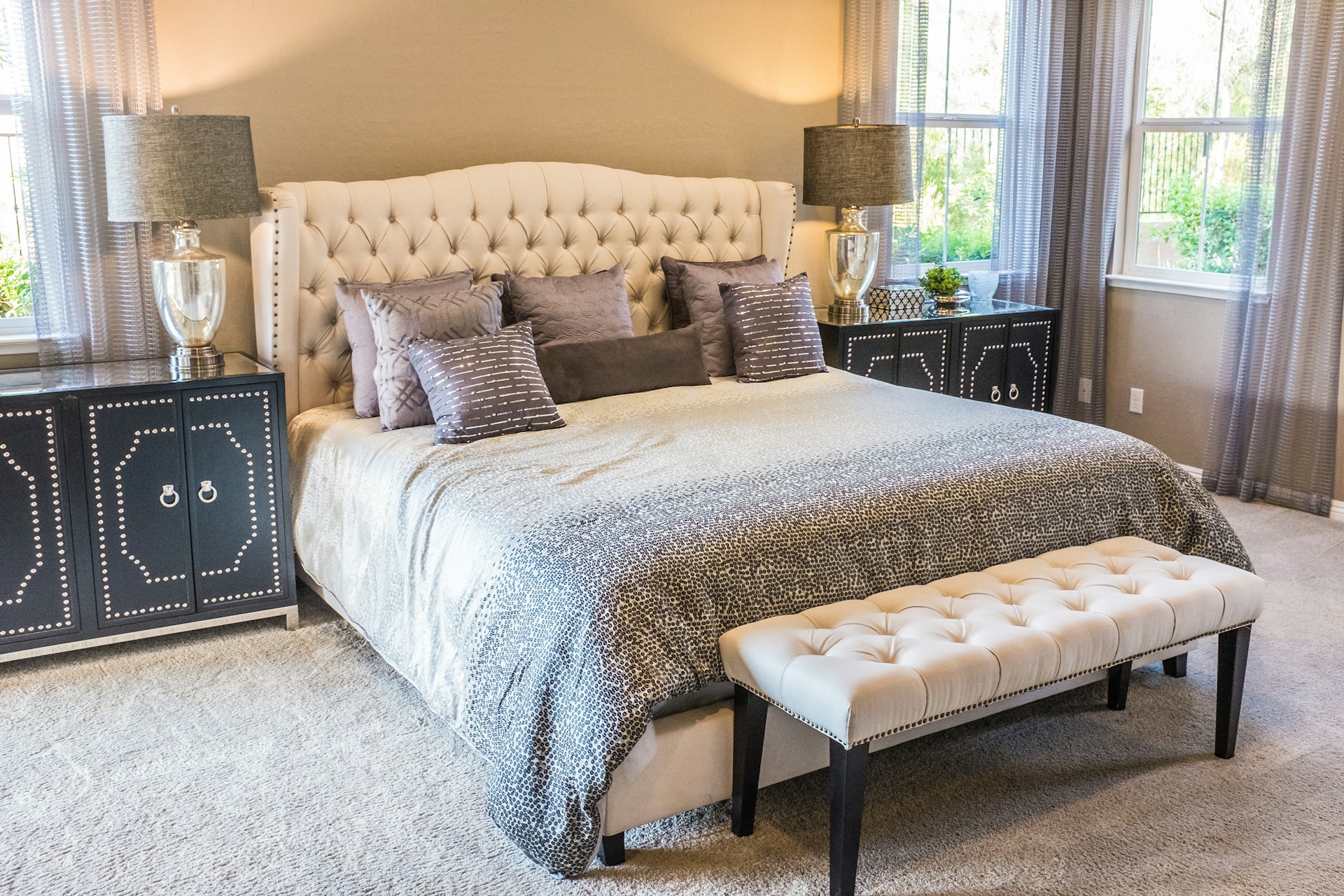
Bedrooms benefit from smart lighting more than most rooms because brightness timing matters. Use warm 2700K to 3000K light at night, dim bedside lamps independently, and create a low pathway scene for late-night movement. If you use wake-up automation, keep it gradual and warm before shifting brighter.
Under-bed LED strips can work well if they are hidden, diffused, and dim. A bright exposed strip at floor level can feel more like a display than a bedroom.
Bathroom
Use smart controls carefully in bathrooms. Vanity lighting needs accurate color, stable dimming, and instant wall control. A motion sensor can be useful for a low nighttime scene, but it should not blast full brightness at 2 a.m. For mirror areas, prioritize CRI and even face light over RGB effects.
Home office
Workspaces need flexible task light. Use neutral white around 3500K to 4000K during focused work, then dim warmer ambient light after hours. A desk lamp with tunable white can be better than changing the entire room. If video calls matter, place soft light in front of you, not only overhead or behind the monitor.
Outdoor and entry lighting
Smart outdoor lighting should improve safety and reduce wasted runtime. Use dusk-to-dawn schedules, motion-based brightness, and warm path lighting. Keep color effects subtle unless it is a holiday or event. For permanent landscape and porch lighting, choose wet-rated products and keep drivers, controllers, and plugs rated for the exposure.

Energy savings and comfort come from the setup, not the app {#energy-comfort}
Smart lights save energy only when they reduce watts, runtime, or brightness. If a smart bulb runs at full output for the same hours as an old LED, the savings are minimal. The useful features are schedules, occupancy sensing, dimming, daylight response, away mode, and scenes that make lower light levels convenient.
DOE guidance on LEDs is useful here because it frames LEDs as both efficient and controllable. A smart dimmer that keeps a room at 40% for most evenings can reduce energy use and glare. A schedule that turns off forgotten exterior lights at sunrise can save every day without anyone thinking about it.
Comfort also depends on flicker and driver quality. IEEE work around LED flicker and modulation is a reminder that LED electronics affect how light feels, especially when dimmed: https://ieeexplore.ieee.org/document/8782451. If lights shimmer on camera, buzz at low levels, or feel uncomfortable during long use, the problem may be the bulb, driver, dimmer, controller, or compatibility between them.
Before buying a whole set, test one room. Check dimming range, app reliability, wall-control behavior, voice response, color quality, and how the lights recover after a power outage.
Mistakes to avoid {#mistakes}
The first mistake is mixing too many apps and bridges without a plan. Matter helps, but it does not remove the need for a simple control structure. Decide which platform will be the daily interface, then add products that work well with it.
The second mistake is using smart bulbs where a smart switch would be better. If a ceiling light is controlled by a wall switch and used by everyone, a smart switch is usually cleaner. Save bulbs for lamps and color-specific zones.
The third mistake is making every scene dramatic. Most daily scenes should be boring in the best way: warm dinner light, clear cooking light, soft movie light, dim bedroom light, and safe path light.
The fourth mistake is ignoring manual control. A good smart home still works when someone taps the wall switch. If the system requires everyone to open an app for basic lighting, the design has failed.
Finally, do not let effects replace placement. A hidden, warm, well-dimmed LED strip behind a shelf usually looks better than a brighter RGB strip stuck in direct view. Our [comfortable LED strip lighting guide](/blog/comfortable-led-strip-lighting-power-diffusion-placement) explains how power, diffusion, and placement decide whether strips look polished.
FAQ {#faq}
Are Matter smart lights worth buying in 2026?
Matter smart lights are worth considering if you want better cross-platform support across major smart-home systems. Still check brightness, color quality, dimming, bridge requirements, and whether the product supports the specific features you need.
Should I use smart bulbs or smart switches?
Use smart bulbs for lamps, renters, color-changing zones, and decorative fixtures. Use smart switches or dimmers for hardwired ceiling lights and fixtures that everyone controls from the wall.
Do smart lights save electricity?
They can, but only when they reduce runtime, brightness, or wasted use. Schedules, occupancy sensors, dimming, and away modes are the energy-saving features. Color effects alone do not save much.
What color temperature is best for smart home lighting?
Use 2700K to 3000K for living rooms and bedrooms, 3000K to 3500K for kitchens, and 3500K to 4000K for offices, garages, and utility spaces. Tunable white products are useful when one room needs both relaxed and focused settings.
What is the best first smart lighting upgrade?
Start with the room you use every day and the light that annoys you most. For many homes, that means a living room dimmer, smart bedside lamps, under-cabinet kitchen lighting, or outdoor lights on a reliable schedule.
Frequently Asked Questions
Are Matter smart lights worth buying in 2026?
Matter smart lights are worth considering if you want better cross-platform support, but you should still check brightness, color quality, dimming behavior, bridge requirements, and feature support.
Should I use smart bulbs or smart switches?
Use smart bulbs for lamps, renters, color-changing zones, and decorative fixtures. Use smart switches or dimmers for hardwired ceiling lights controlled from the wall.
Do smart lights save electricity?
They can when schedules, sensors, dimming, or away modes reduce runtime or brightness. Smart effects by themselves do not save much energy.


